
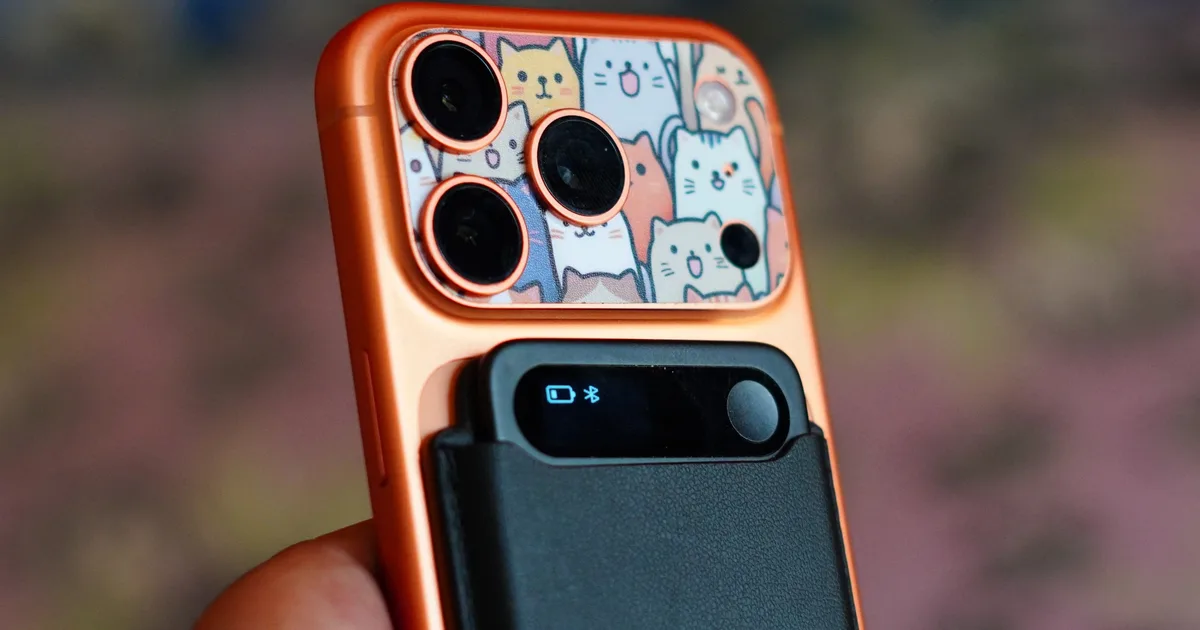
I didn’t know I needed an AI voice recorder until I tried the Comulytic Note Pro
I’ll admit that I was skeptical when I first picked up the Comulytic Note Pro. This is my first time using a dedicated AI note-taking device, so I came into it with a fairly simple question: why should I carry another gadget when my phone can already record audio and an AI chatbot can summarize it?
After spending time understanding how the Note Pro fits into that workflow, I think the answer is convenience. It takes the recording part out of my phone, gives me a physical button to start capturing audio, and then turns those recordings into transcripts, summaries, highlights,s and action points through its app. That sounds like a small change, but it addresses the annoying part of note-taking: trying to listen, remember, type, and participate in a conversation at the same time.
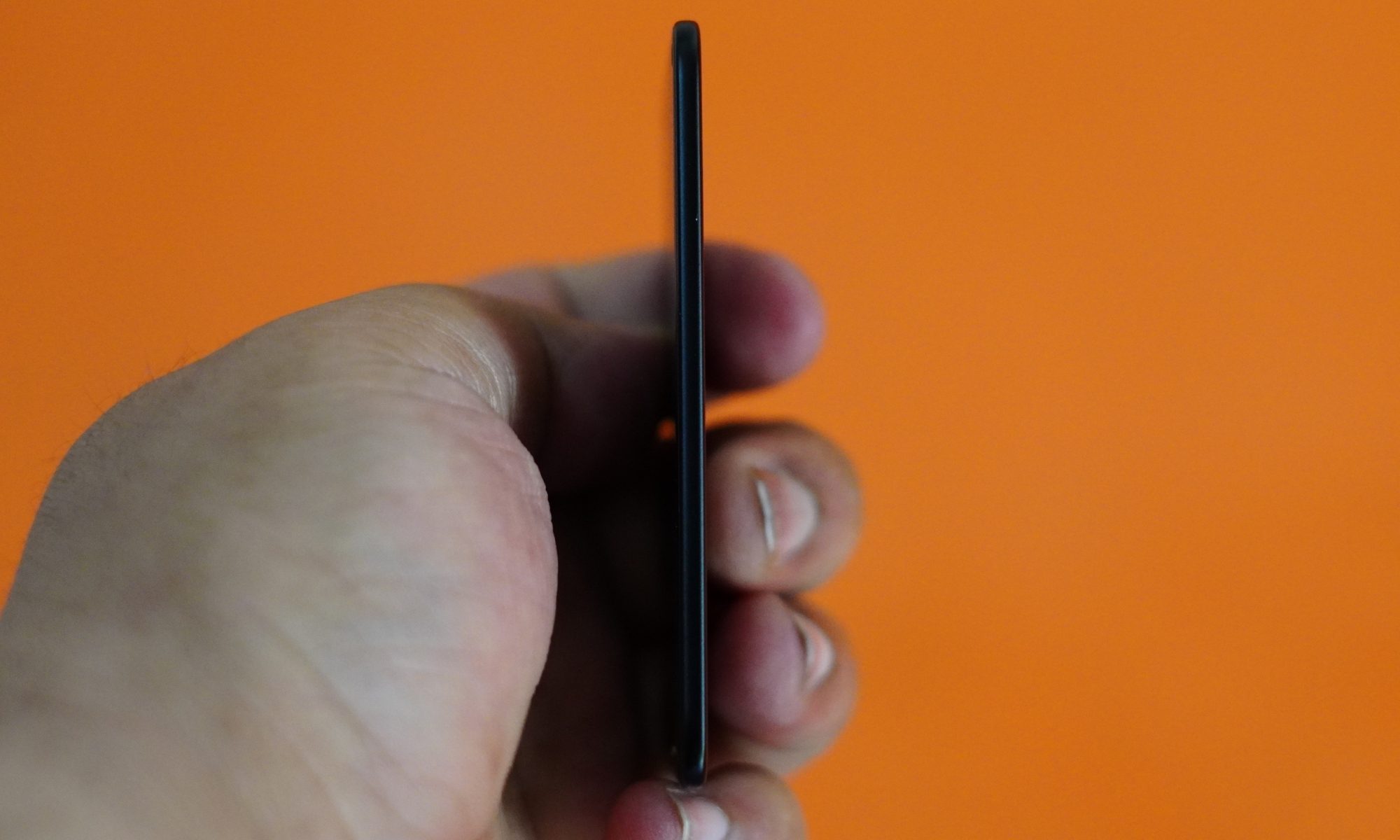
The Note Pro is a particularly interesting option because Comulytic is not trying to win simply by being another premium AI recorder. Its biggest pitch is unlimited transcription and basic summaries without forcing users into a recurring subscription. The hardware is also impressively small, with a 3mm-thick, 27.6g body, 64GB of local storage, a tiny 0.78-inch display, and a claimed 45 hours of continuous recording.
The first thing I noticed was how little a device there actually is
The Note Pro looks almost comically thin. Its credit-card-style body measures about 2.04 by 3.37 inches and weighs 27.6 grams, so slipping it into a pocket or bag is hardly an event. The aluminium construction and Gorilla Glass-covered display give it a more polished feel than I expected from something designed to disappear into my everyday carry.
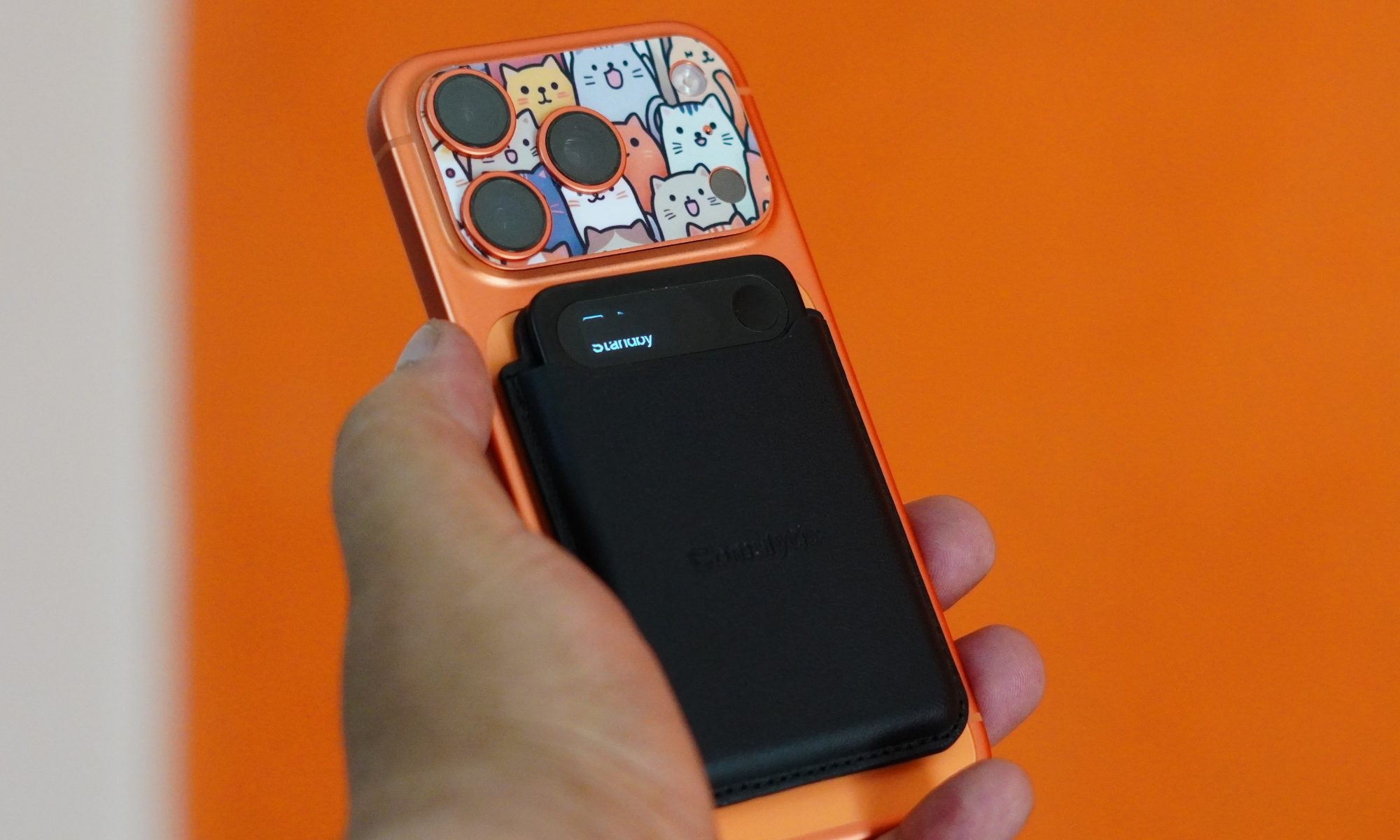
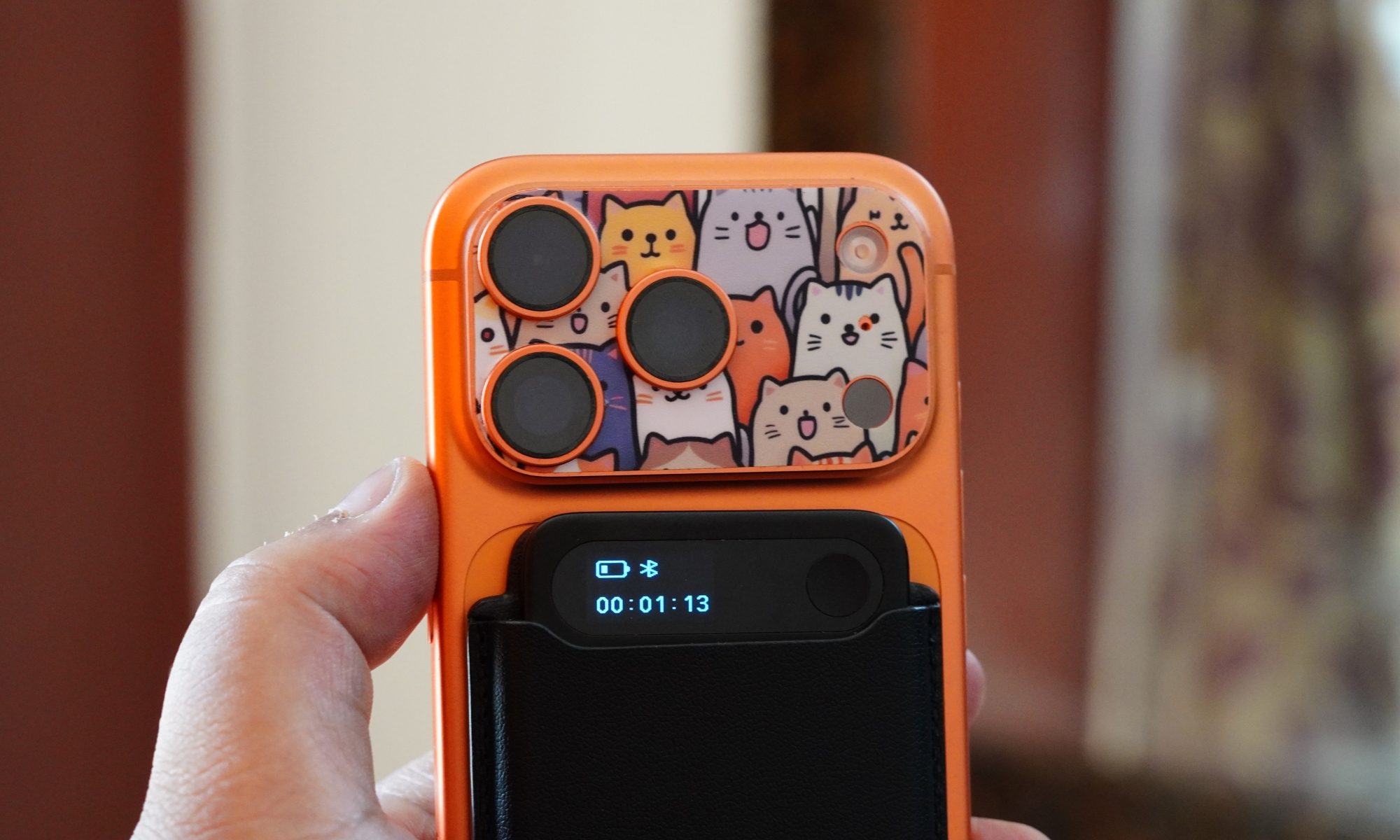
The small display is deliberately limited. It shows basic information such as battery status, Bluetooth connectivity, and recording time rather than trying to become another miniature smartphone. I actually like that approach. One touch starts recording, another stops it, and the screen gives me enough information to know what the device is doing. There is no need to unlock a phone, find an app, and navigate through a menu before a conversation starts.
The included magnetic case makes the device more versatile, particularly if I want to attach it to a phone. The catch is that the Note Pro itself is too narrow to incorporate a MagSafe magnet directly, so the case is necessary for that kind of use. The case fits securely, but getting the recorder in and out can be fiddly. One of the supplied reviews specifically calls out how tight the fit is, while also noting that the charging port, screen, and control remain accessible while it is inside the case.
That leads me to my first proper complaint: charging.
The Note Pro uses a proprietary magnetic charging cable. It does come with a USB-C adapter, but the cable itself terminates in USB-A. In a world where most of my devices are happy with USB-C, carrying a dedicated cable for a tiny recorder feels unnecessarily old-fashioned. Losing it is also more inconvenient than losing a standard cable because I cannot simply grab another one from the nearest drawer.
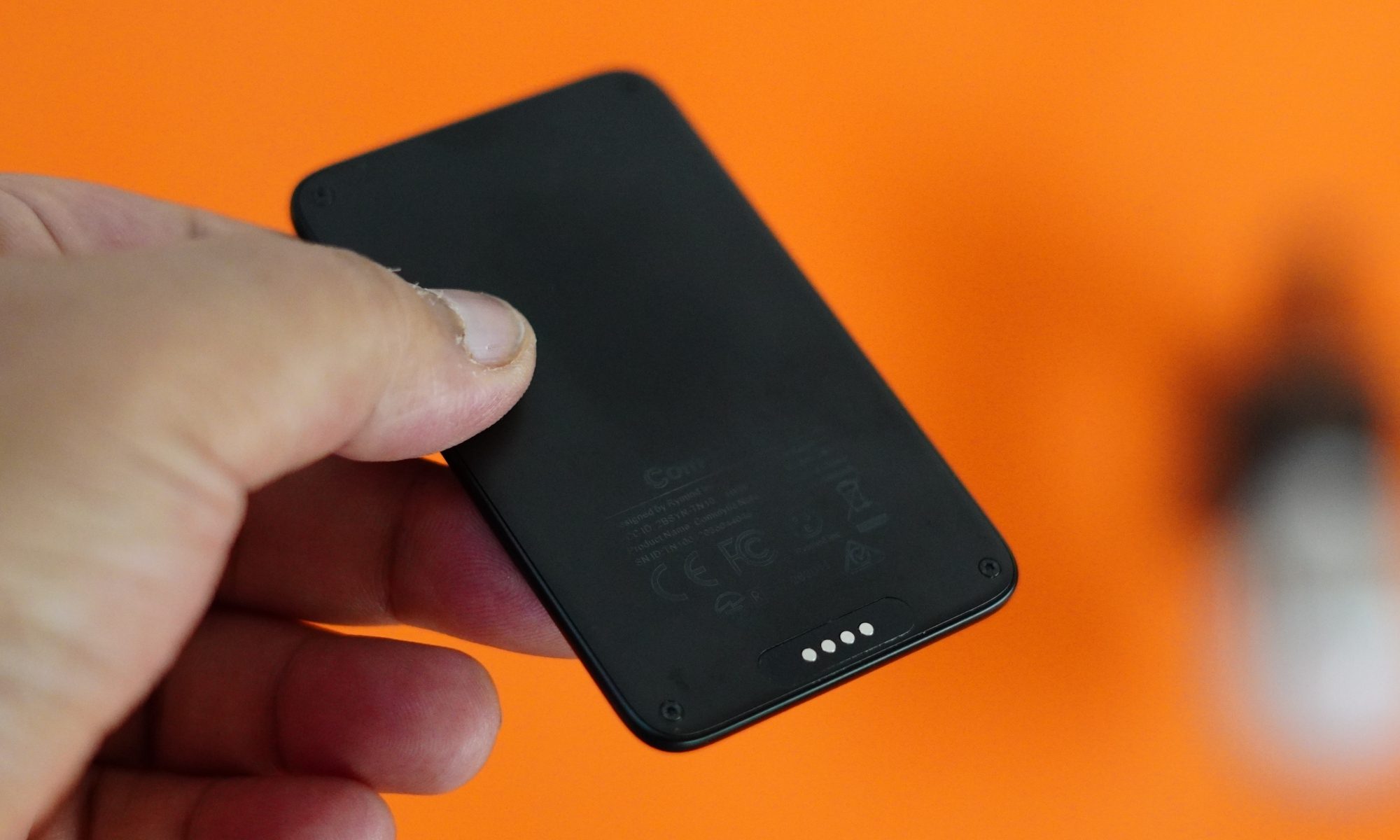
The battery, thankfully, makes up for some of that inconvenience. Comulytic claims up to 45 hours of continuous recording and 107 days of standby, with a full charge taking around 90 minutes. I would treat the maximum figures as specifications rather than promises of exactly what I will see in daily use. Still, even if real-world usage falls short of the headline numbers, the endurance is more than enough to make battery anxiety a non-issue for normal meetings, interviews and lectures.
The hardware also uses two MEMS microphones and a VPU sensor, with noise reduction and an advertised pickup distance of around five metres. The supplied hands-on testing found the recorded audio clear, including a test involving computer speakers during a Google Meet session. That matters more to me than any AI buzzword because a clever summary is useless if the original recording is muddy.
The real reason to buy it is the software.
Once I got past the novelty of owning a dedicated recorder, I realised that the hardware is really just the front end. The interesting stuff happens after the recording reaches the Comulytic app.
The basic workflow is straightforward: record, sync, transcribe, and then decide what I want the AI to do with the resulting text. The device can record without being constantly connected to a phone, and you can transfer recordings later. That is an important distinction from products that are essentially phone accessories.
The Note Pro supports 113 languages, and the app lets users choose the language used for AI-generated content. The manufacturer also claims up to 98% transcription accuracy, but I would not treat that percentage as a universal guarantee. One of the strongest lessons from the supplied reviews is that transcription quality and speaker identification are not the same thing.
In one test, a conversation was transcribed neatly, and the AI summary accurately identified the important decisions and reasons discussed. The summary took just under five minutes to generate from roughly seven minutes of recorded conversation. That is the kind of result that makes the whole category click for me: I do not necessarily need a perfect word-for-word document immediately. I need something that tells me what actually mattered.
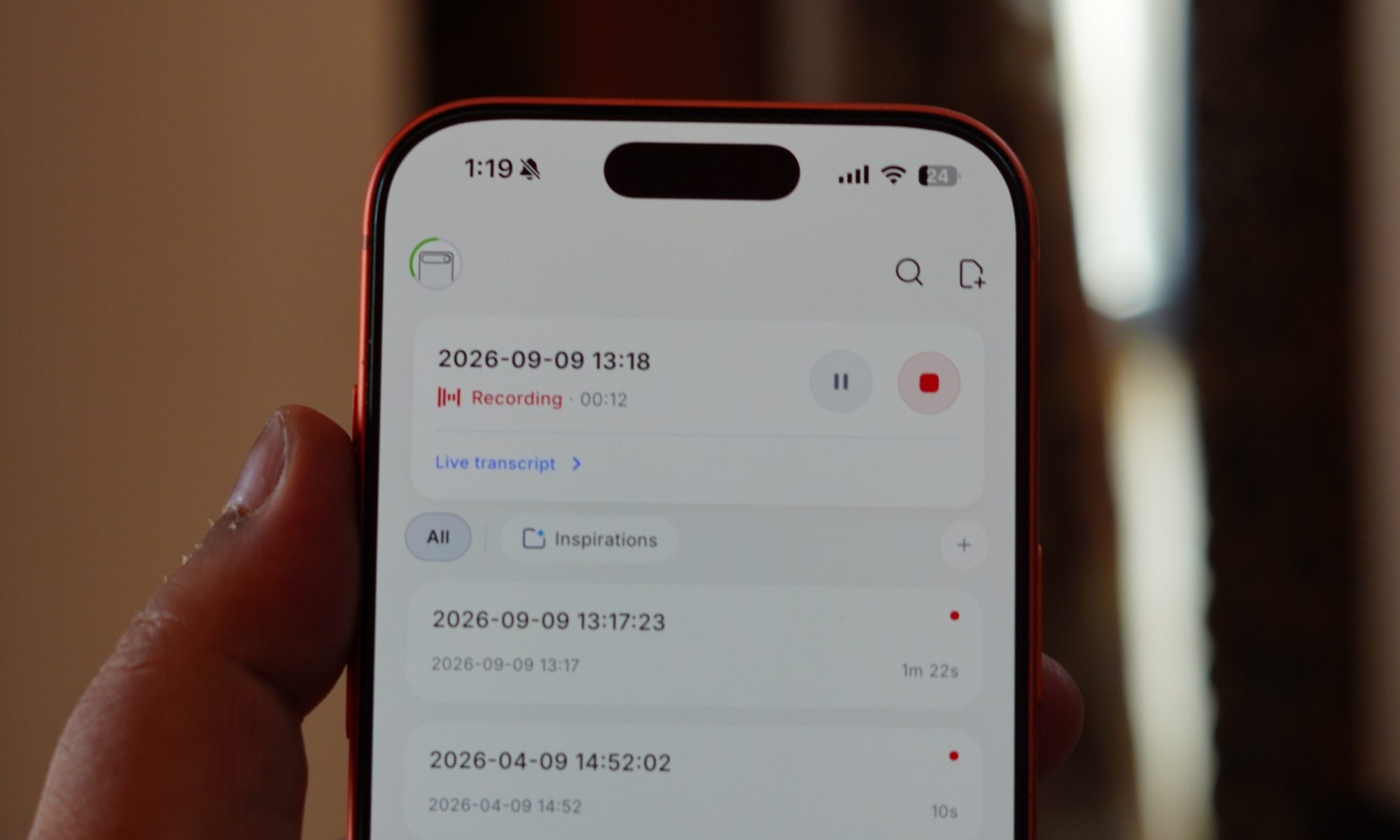
The summary system can separate side notes and marginal points, surface findings, and generate structured information from the recording. The AI can also regenerate its output, which is useful when the first summary does not quite match what I need.
There is an Ask Comulytic function as well. Instead of stopping at a transcript, I can treat the recorded conversation as a source that I can query. One test had the AI draft an email based on the contents of a conversation, complete with a subject line, greeting, and closing. It was not completely polished and still needed some editing, but it demonstrated where the device becomes more than a dictation machine.
That distinction is important for a first-time user. I initially expected the Note Pro to save me from typing. Its bigger benefit is that it can save me from processing. Recording a conversation is easy. Turning an hour of conversation into something useful is the part that normally consumes time.
There are limits, however. Speaker identification is the weak point. In testing, different speakers were sometimes assigned to the wrong person, even when their positions relative to the recorder were different. An imported podcast with four clearly distinguishable voices produced accurate words but repeatedly mixed the speakers. That is a serious limitation if I am relying on the transcript to establish who said what.
The good news is that the underlying audio remains available, and the app allows the recording to be played back. So I can verify important sections rather than blindly trusting the transcript.
I also like the ability to import existing audio files. That means the Note Pro does not have to be present when the conversation happens. If I already have a recording from another device, I can bring it into the Comulytic ecosystem and use its transcription and AI tools.
Free transcription is the feature that changes the value equation
This is probably the strongest argument for the Note Pro.
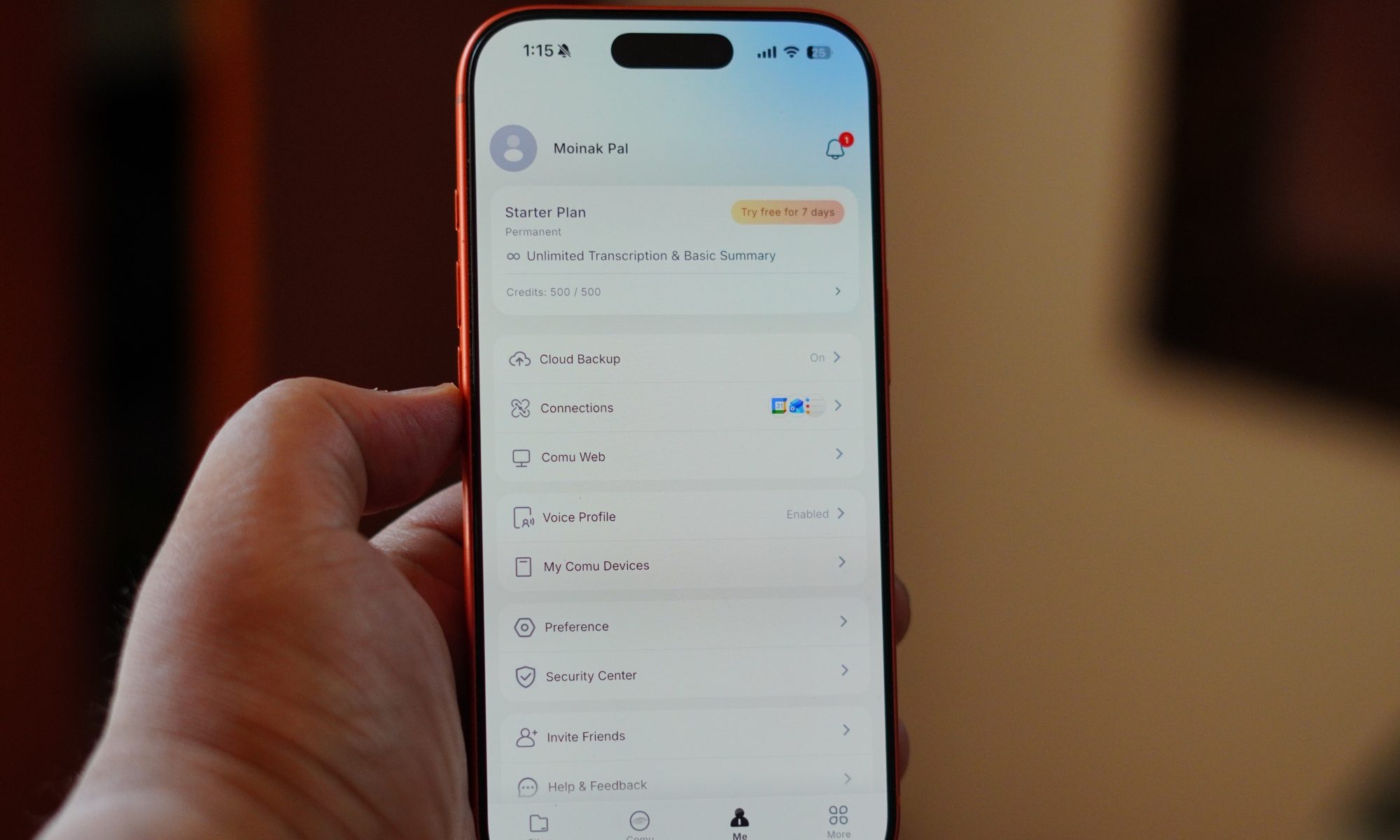
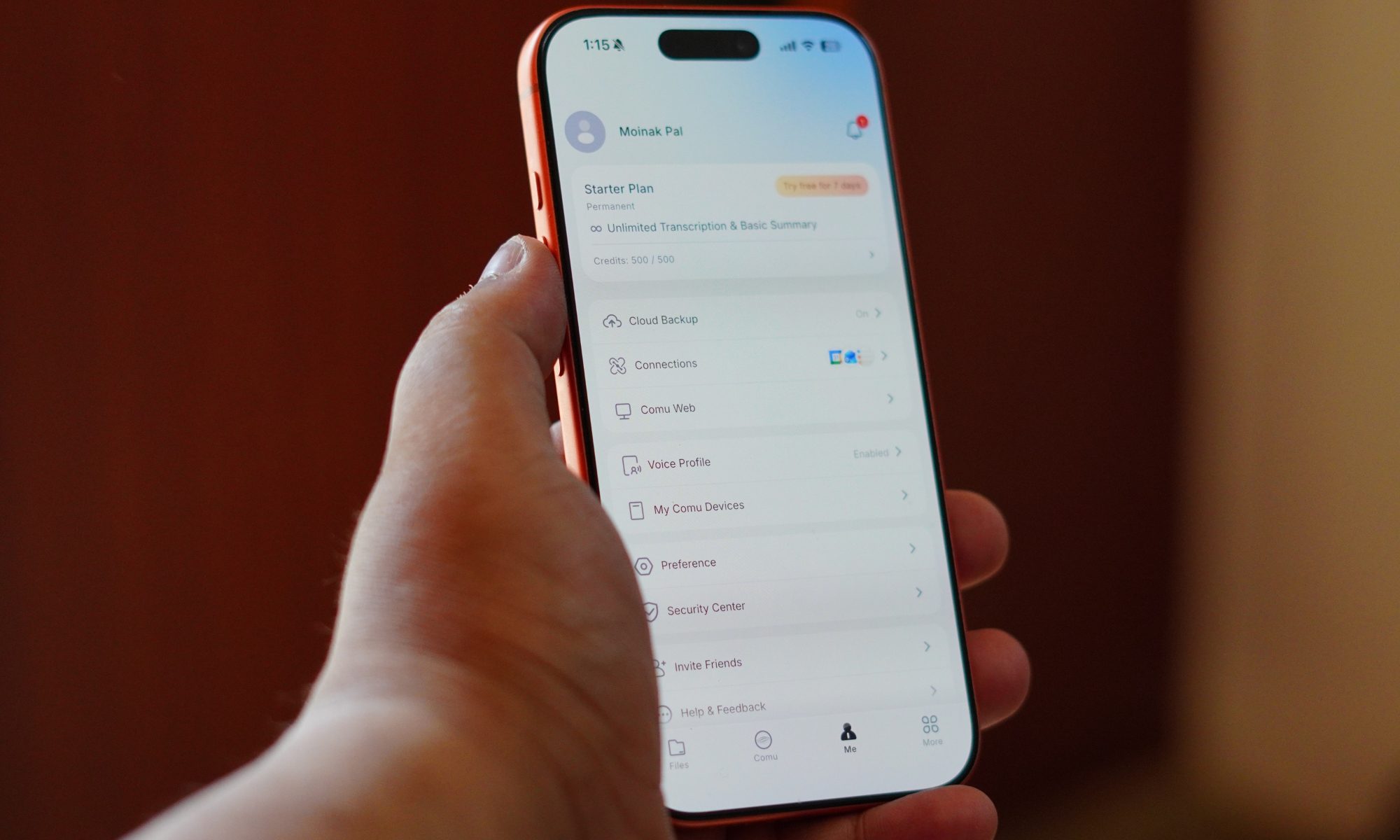
The Starter plan includes unlimited transcription and basic summaries, according to Comulytic’s current product information and the supplied reviews. That means the basic functionality does not become a monthly budgeting exercise every time I want to record another meeting. The Starter tier also includes limited access to deeper tools: three Deep Dive uses per month and 10 monthly uses each for Instant Abstract and Ask Comulytic, based on the reviewed plan structure.
There is a Premium plan for people who want more. It costs $14.99 per month or $119.99 per year in the reviewed pricing, with the annual option working out to about $10 a month. New users also get 90 days of Premium access after activating the app.
Premium is where Comulytic’s more ambitious ideas appear. There are profession-specific templates and workflows for areas including sales, marketing, law, finance, insurance, real estate, and journalism. There is also the Contact Insight Hub, which groups conversations around people and attempts to generate additional insights from those interactions.
I can see why Comulytic pushes this so heavily toward sales. A salesperson who has dozens of conversations with clients can potentially use the system to keep track of positive signals, negative signals, and purchase intent without maintaining all of that information manually. For someone like me who is primarily interested in notes and transcripts, some of these tools feel less essential.
The important point is that I do not need them to get value from the device. That makes the free tier considerably more compelling than a product that locks transcription itself behind a paywall. Comulytic’s current product page continues to advertise free recording, transcription, and summaries, while Premium unlocks more advanced AI capabilities.
It is not a replacement for judgment
There is one area where I would be especially careful: privacy. Recording a conversation is not something I should treat as a stealth feature just because the device is small. Participants should know that they are being recorded and consent should be obtained where required. The supplied reviews also flag this as an important consideration.
Comulytic says the Note Pro uses AES encryption and points to CCPA-aligned protections. Its current product information also references AWS-based storage and encryption. However, one supplied review notes the absence, at the time of its evaluation, of published ISO 27001, SOC 2, or HIPAA attestations. That distinction matters if I am dealing with confidential client, medical, legal, or financial information. A low price and convenient AI workflow do not automatically make a device suitable for regulated work.
I would also avoid treating the advertised 98% accuracy figure as a reason to skip proofreading. AI transcription can misunderstand names, accents, terminology, and context, while speaker attribution can introduce an entirely different kind of error. For routine personal notes, that may be harmless. For something important, I would always check the original audio.
So, would I buy one?
After looking at the Note Pro as a first-time user, I think its strongest quality is that it makes AI note-taking feel like a physical habit rather than another phone feature.
The device is small enough that I can imagine carrying it everywhere. The single-button operation removes friction. The battery is generous. The storage is plentiful. The microphones appear capable of capturing clear audio, and the app does much more than simply dump a transcript onto my screen. Most importantly, unlimited basic transcription makes the product easier to justify over time.
But I would not call it flawless. The proprietary charging cable is annoying, the magnetic case adds some bulk, and speaker separation needs improvement. For me, though, the interesting part is how quickly the Note Pro changes the question from “Did I remember everything?” to “What do I need to do next?” That is a much more useful question.
As my first experience with a dedicated AI recorder, the Comulytic Note Pro has convinced me that these devices are not simply expensive voice recorders with a chatbot attached. When the recording, transcription, and summarisation workflow works properly, the device becomes a quiet assistant sitting on the table, doing the boring part of remembering for me.
And that is probably the best compliment I can give it: after the initial curiosity wears off, I stop thinking about the gadget itself and start thinking about the time it saves.