
How to know if a USB-C cable is waterproof – JP
Always check the IP rating when purchasing a waterproof USB-C cable
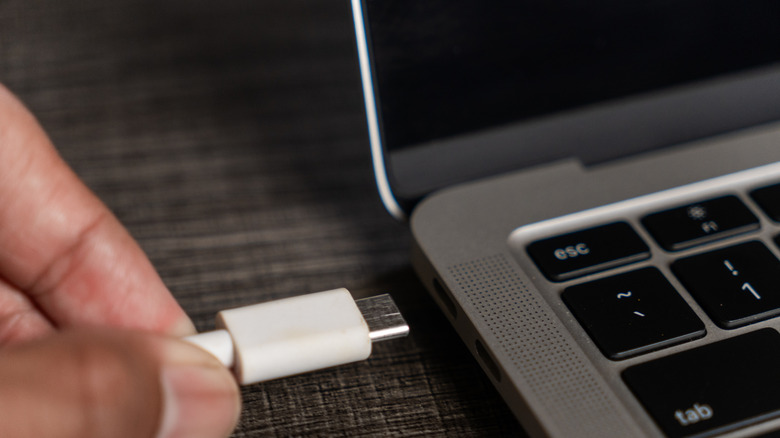
Some USB-C cables are waterproof, but you need to learn to recognize which ones. Widely available from online retailers, including Amazon, they’re likely to feature seals to protect the connection and ship in a variety of types, including male, female, and angled cables. But do the seals work? The International Electrotechnical Commission (IEC) has developed the IEC 60529 standard, a globally accepted Ingress Protection code that shows how well an enclosure (such as a USB-C plug) resists solids and liquids.
The first number in this code represents dust protection, while the second shows water protection. Under this code, waterproof USB-C cables should have an IP67 or IP68 rating. These cables are most frequently used in specific tough environments, such as manufacturing, construction, maritime and electric vehicle charging systems — anywhere exposed to water, weather or accident. When choosing a cable, what matters most is the IP rating (even for other gadgets, like your phone):
- IP67: A dust-tight cable that can handle being under up to one meter of water for up to 30 minutes.
- IP68: A dust-tight cable suitable for continuous immersion, typically beyond 1 meter, though this varies by manufacturer.
What are the risks of USB water exposure?
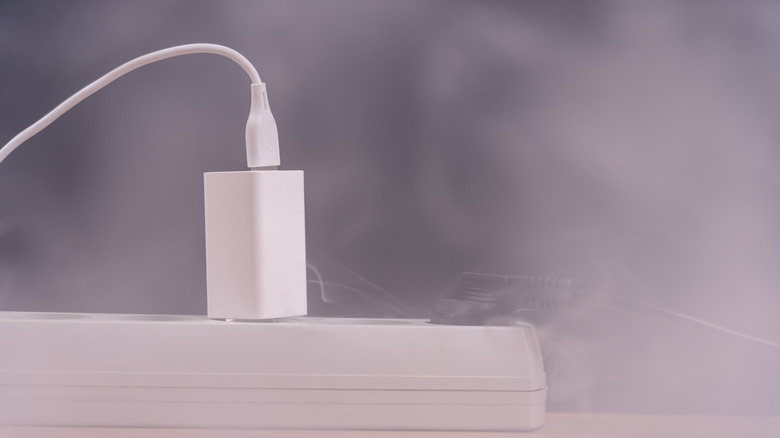
The USB-C standard does not specify water resistance, which means that while ordinary cables may survive a splash, nothing is guaranteed and water exposure comes with some risks. USB-C is versatile, ubiquitous and complex. Take a connector apart, and you’ll find it contains 24 contacts, which may connect to data or power wires inside the cable. (That’s 20 more pins than found in USB-A, which helps account for the faster data transfers.) If water gets inside the connector, it can cause a short circuit that may damage your equipment, while long-term moisture exposure can corrode contacts. There’s also the risk that short-circuited wet cables can overheat, potentially causing a fire. You should never plug a wet cable — even a waterproof one — into a device.
USB cable protection is usually achieved with a silicone rubber seal, gasket, or locking collar around the connector to protect against water ingress. Some rely on threaded bayonet couplings, with a rubber seal that compresses as the collar is tightened, creating a watertight link. Cables designed for extended water exposure may use a tough synthetic rubber, such as neoprene. An even tougher material called fluoroelastomer (FKM) is frequently used where chemical or solvent resistance is required.
Can you use a wet cable once it dries?
If the contacts show no corrosion, you can generally use the cable safely again once it dries. To dry a cable, unplug it, shake the connector ends to force water out, and let it dry for 24 to 48 hours. Don’t try to dry the cable with a hair dryer, as the heat can damage the cable, and don’t use rice, as it can introduce grit and dust into the connector. If a cable becomes hot when using it after drying, replace it.
Brands of waterproof cables, such as Atlavox, Yale, and the more industrial-grade L-Com, are available at good DIY/tech retailers and also at Amazon. You should ensure the cable you choose is IP-rated, rather than simply being water resistant. Basic waterproof cables are available for around ten dollars, while ultra-rugged waterproof cables for the toughest environments can cost ten times that. Finally, when purchasing one of these cables, you should always check the official IP rating, as a cable that doesn’t provide this may not deliver what you need.