
You can easily keep your home network running during a power outage — here’s how – JP
Stay online when the power goes out with the right backup hardware and a little planning.
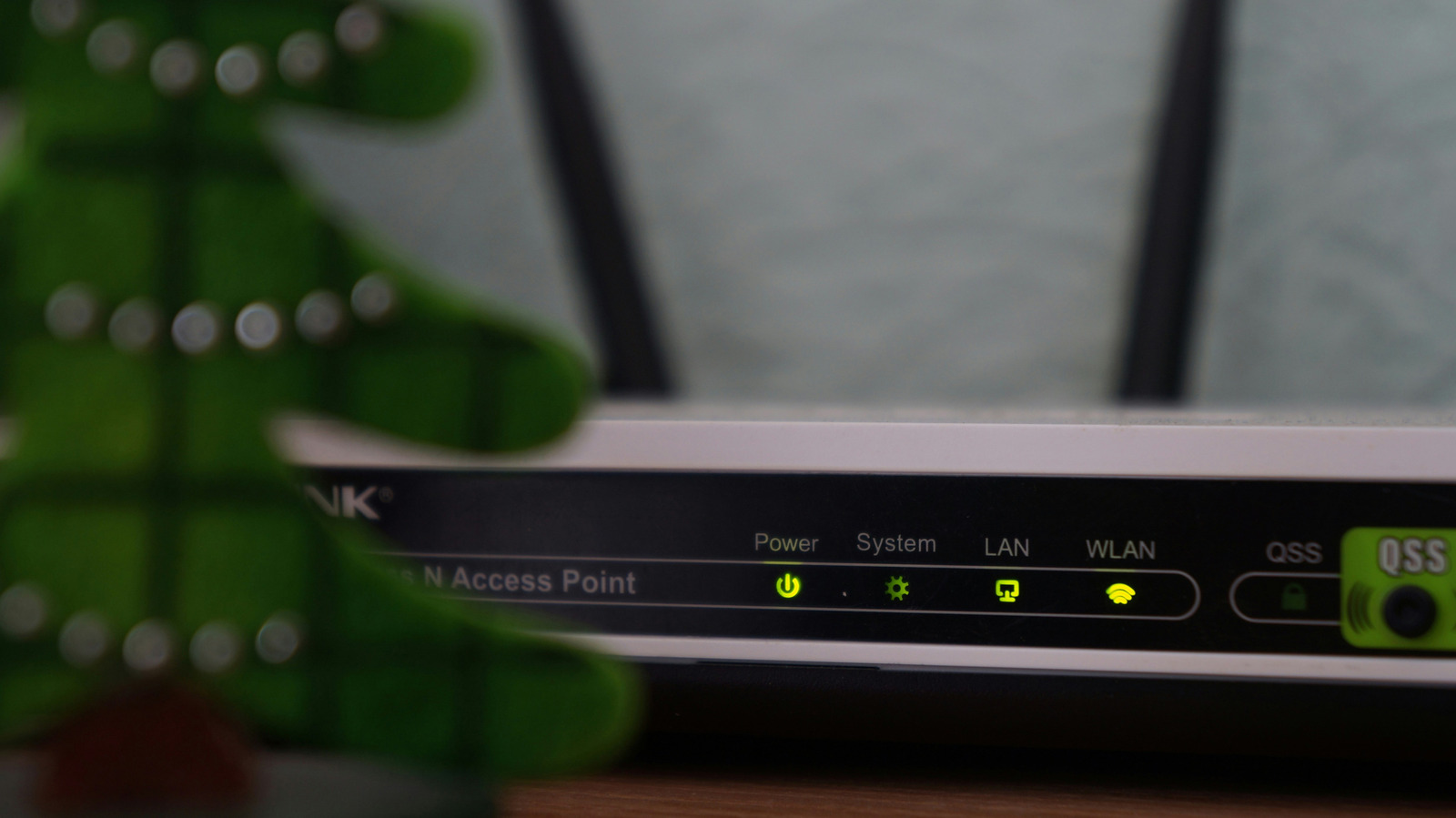
If your power goes out, your laptop’s battery will keep it up and running. It’s a convenience that’s not afforded to every electronic in your home. For example, networking gear, like a Wi-Fi mesh system or, more importantly, your router, will go dead silent in the event of an outage.
If you’re on, say, an important video call for work, losing your connection could make for a rude interruption. It’s even worse if you’re mid-game, about to score that critical victory and secure bragging rights. Fortunately, there’s an easy way to prevent interruptions in the event of a complete power outage.
Know your networking gear
The first step to keeping your network running in a power outage is a quick checkup on your networking equipment. If any of the devices between the wall jack and your laptop lose power, your connection goes with them. So, you’ll want to understand that chain if you don’t already. For cable internet, that means a modem and router, or a single gateway device that handles both.
If you have fiber internet, you’ll have a router and an optical network terminal (ONT), or the box where the fiber line enters your home. Some providers install a battery backup on the ONT, although these are usually aimed at phone lines, not necessarily your internet connection. So check with your internet provider if you aren’t sure.
Keep in mind that if your fiber ONT and router are in different rooms, you’ll need two separate backup power units (or one with a long extension cord).
Invest in an uninterruptible power supply
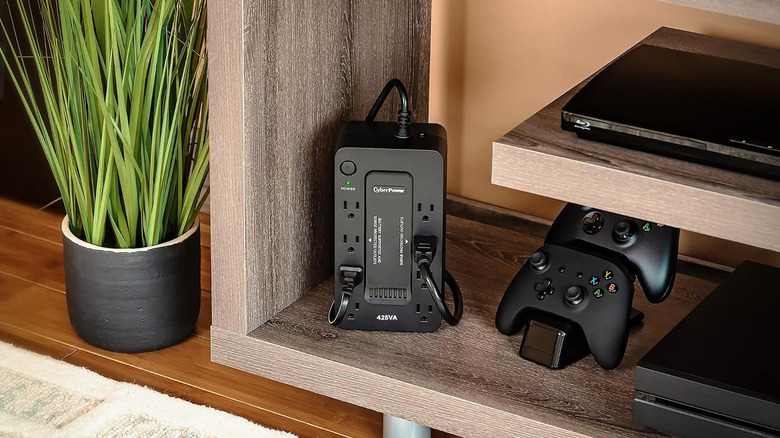
An uninterruptible power supply (UPS) is the best way to keep your internet up and running during a power outage. These devices sit between the power outlet and your networking gear, automatically switching to battery when your home’s power goes out.
Like most products, they come in a range of prices. A modest one that can keep a router running for an hour or longer costs well under $100. More expensive models can last longer and even handle more power-hungry devices, like a PC.
It’s worth doing a quick test run. Unplug the UPS from the wall when nobody at home is using the internet, and make sure everything stays online. If it does, you’re ready for the next outage.
Inverters: BYOB (bring your own batteries)
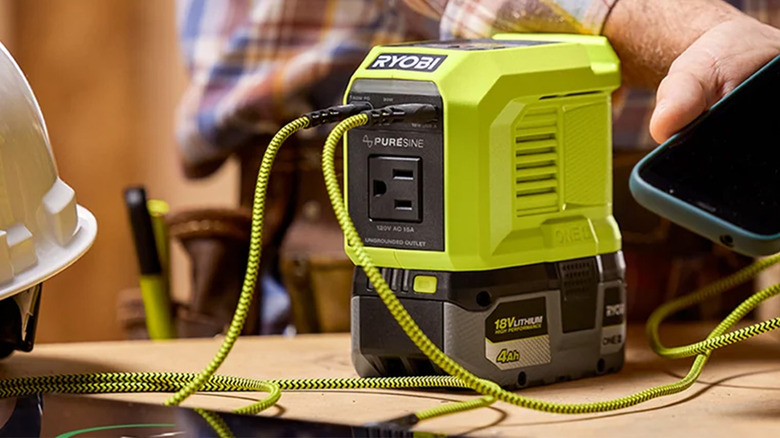
If you already own removable batteries for things like power tools and cordless vacuums, there’s a cheaper option. You can buy small inverters compatible with your battery brand, whether it’s DeWalt, Milwaukee or Ryobi.
There is a big downside. Unlike a UPS, inverters don’t switch your networking gear over to battery power automatically, so you’ll need to plug in the networking gear when the power goes out and wait for your equipment to restart. But on the positive side, inverters do let you swap batteries in and out if you get stuck in a longer outage.
As long as you supply the batteries, you can find inverters for as little as $30 for third-party models.
Best practices for network stability
With a backup power source, it’s easy to get carried away with keeping unessential devices working. However, whichever backup power option you use, plug in only your networking equipment; this isn’t the place for your TV or game console.
And of course, this advice only applies to power outages where your internet provider’s connection stays up. Your best option for a complete internet outage is your phone’s mobile hotspot or a mobile hotspot device.