
Canva can now flip a flat AI picture into a totally editable design in seconds
We’ve been there. You spend twenty minutes crafting the perfect prompt, an AI spits out a gorgeous Instagram graphic — and then you realize the font is slightly off and the background color clashes with your brand. Now what? Re-prompt and pray? That’s essentially been the state of AI-generated design: beautiful outputs, zero editability.
Canva is calling that out directly with Magic Layers, a new feature now live in beta across the U.S., U.K., Canada, and Australia.

How does Magic Layers work?
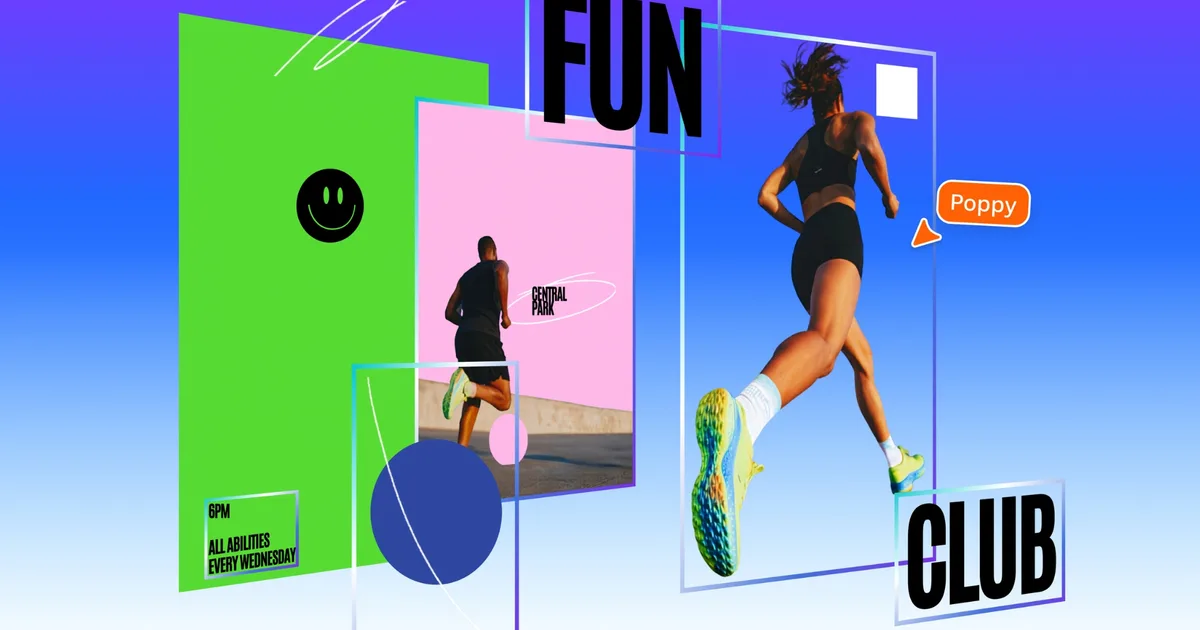
Here’s how it works: drop in any flat PNG or JPG, and the tool reverse-engineers it — pulling out text, objects, backgrounds, and grouped shapes into individual layers you can actually touch.
Your locked, untouchable JPEG becomes something closer to a real working file; move things around, swap colors, fix that tagline. No starting over.
For a solopreneur trying to spin one design into a multi-channel campaign, that’s significant. Text stays live and editable rather than baked in; layout hierarchy is preserved automatically.

How does Canva’s new feature help day-to-day users?
A small business can take an AI-generated promotional image and adapt it for Instagram, a flyer, and an email header — without touching Photoshop or calling a designer.
It works best on graphic designs and illustrations; throw a photorealistic image at it and results vary, which is honestly fair enough for a beta.
Magic Layers didn’t appear out of nowhere — it fits neatly into a string of big swings Canva has taken recently. The Canva Design Model is their own AI, trained on design logic rather than just churning out pretty pictures.
Canva Sheets took a hard look at spreadsheets and asked, reasonably, why they have to be so miserable — wrapping data in visual layouts and AI formulas. Video 2.0 rebuilt the editor from scratch.
Three pretty different products; one pretty obvious throughline: AI generates; Canva wants to be where you actually finish the job.